Adding points
An alternate way to add a pivot point is to right-click on the custom (linear) trend line and select Add pivot point .This places a new point on the line where the right click occurred.
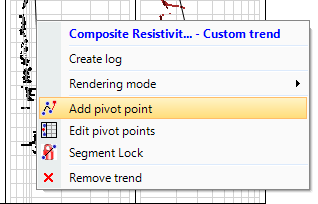
Add pivot point using the custom trend context menu click to enlarge
You can move the point anywhere by clicking and dragging.
Double-clicking a pivot point removes the point from the trend. You can also right-click the point and select Remove.
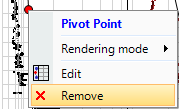
Remove pivot point using the context menu click to enlarge